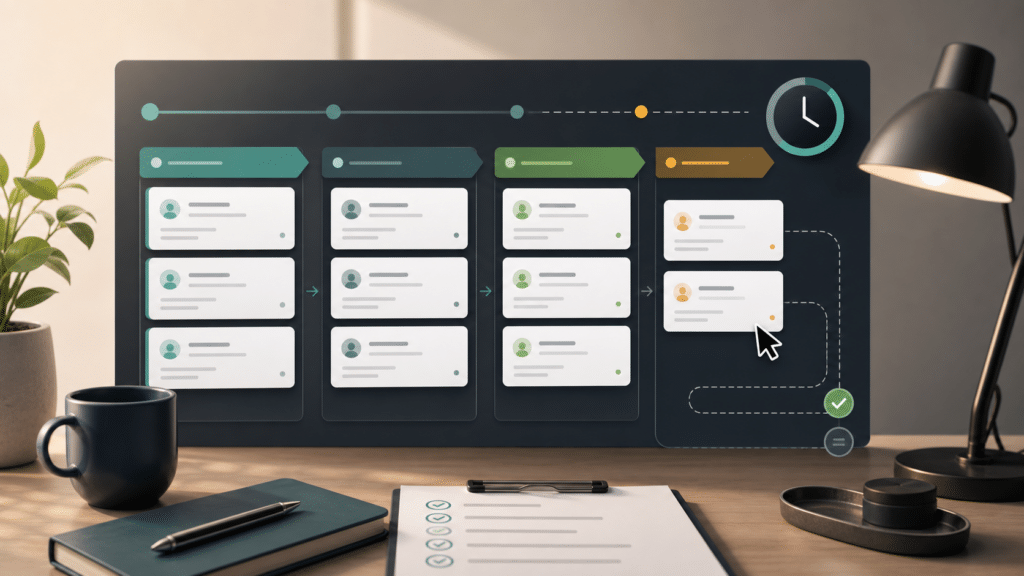
A form handoff checklist gives WebMasters a simple way to make each submission easier for staff to act on. Most form problems do not start with the form itself. They start after the click, when the message has to be read, routed, and converted into work.
A good handoff does not need to be fancy. It needs to make the next human decision obvious without forcing staff to reread every field in the entry.
Build the form handoff checklist around staff questions
First, write down the decisions your team already makes by hand. The best first pass is usually a short checklist, not a new funnel or a complex CRM rebuild.
- Who should see this submission first?
- Is it urgent, routine, spam, or unclear?
- What is the visitor asking for in plain language?
- What context is missing before staff can reply?
- What is the safest next step for a human reviewer?
The handoff is successful when the next person can act without becoming the form detective.
Turn the checklist into review fields
Next, translate those questions into a small set of review fields. These are the notes that make a submission easier to route, summarize, and follow up on.
| Handoff field | What it should answer | Good default |
|---|---|---|
| Summary | What did the visitor ask for? | One or two plain sentences. |
| Priority | How soon does someone need to look? | Urgent, soon, normal, or low. |
| Owner | Who should review it first? | Sales, support, operations, billing, or WebMaster. |
| Missing context | What would block a useful reply? | List only the gaps staff can act on. |
| Next step | What should the team do now? | A human-reviewed action, not an automatic promise. |
Use AI where review work is repetitive
AI-assisted form actions are useful when staff keep doing the same reading and labeling work. The Sentient Forms action library describes review steps such as lead scoring, spam detection, entry summaries, routing suggestions, sentiment, and urgency. Those patterns are most useful when the result lands where staff already review submissions.
The important boundary is human control. For example, AI can draft the summary, suggest urgency, or point to missing details. However, a staff member should still own the customer-facing reply and any decision that affects the visitor.
Keep the result visible in WordPress
A handoff works best when staff can find it where they already review submissions. Examples include Gravity Forms entry notes, Submission Ledger records for Contact Form 7 and WPForms after-submission workflows, action logs, dashboard views, validation messages, and suggestions where the specific builder and action support them.
That last phrase matters: Gravity Forms, Contact Form 7, and WPForms do not expose identical workflow surfaces. Gravity Forms has fuller native workflow support. Contact Form 7 and WPForms are better framed as after-submission review through the Submission Ledger, with WPForms requiring ledger opt-in in the current Sentient Forms plugin release. For WPForms sites, also check the installed edition because WPForms Lite does not present the same native entry-management surface as paid entry workflows.
Roll out one form at a time
After that, pick the form that creates the most avoidable sorting work. For many sites, that is a contact form, quote request, support intake, or partner inquiry form. Keep the first workflow narrow enough that the team can tell whether the handoff is actually clearer.
- Choose one high-volume or high-value form.
- Add one review layer, such as entry summary or lead triage.
- Read the next batch of real submissions before changing rules.
- Then adjust labels and next-step language based on what staff actually use.
- Only then add another action or another form.
Test the form handoff checklist locally
Treat the form handoff checklist as a local ROI test, not a universal savings claim. Compare a few weeks of real submissions before and after the handoff fields exist. Look for fewer confused replies, faster owner assignment, clearer priority, and less re-reading by staff.
Because the review fields should reduce back-and-forth, the automation is doing useful work only when staff can act more easily. If nobody reads the fields, simplify them before adding more AI.
Frequently asked questions
No. The safer first step is to make notifications and entry records easier to understand. Keep the notification path, then add staff-friendly review fields where they reduce manual sorting.
Yes, but the workflow surfaces are not identical. Gravity Forms has fuller native workflow support. Contact Form 7 and WPForms are better framed as after-submission actions through the Sentient Forms Submission Ledger, with WPForms requiring ledger opt-in in the current release.
Measure whether staff can identify owner, priority, and next action from the entry record more easily. Avoid public savings claims until your own submission queue supports them.