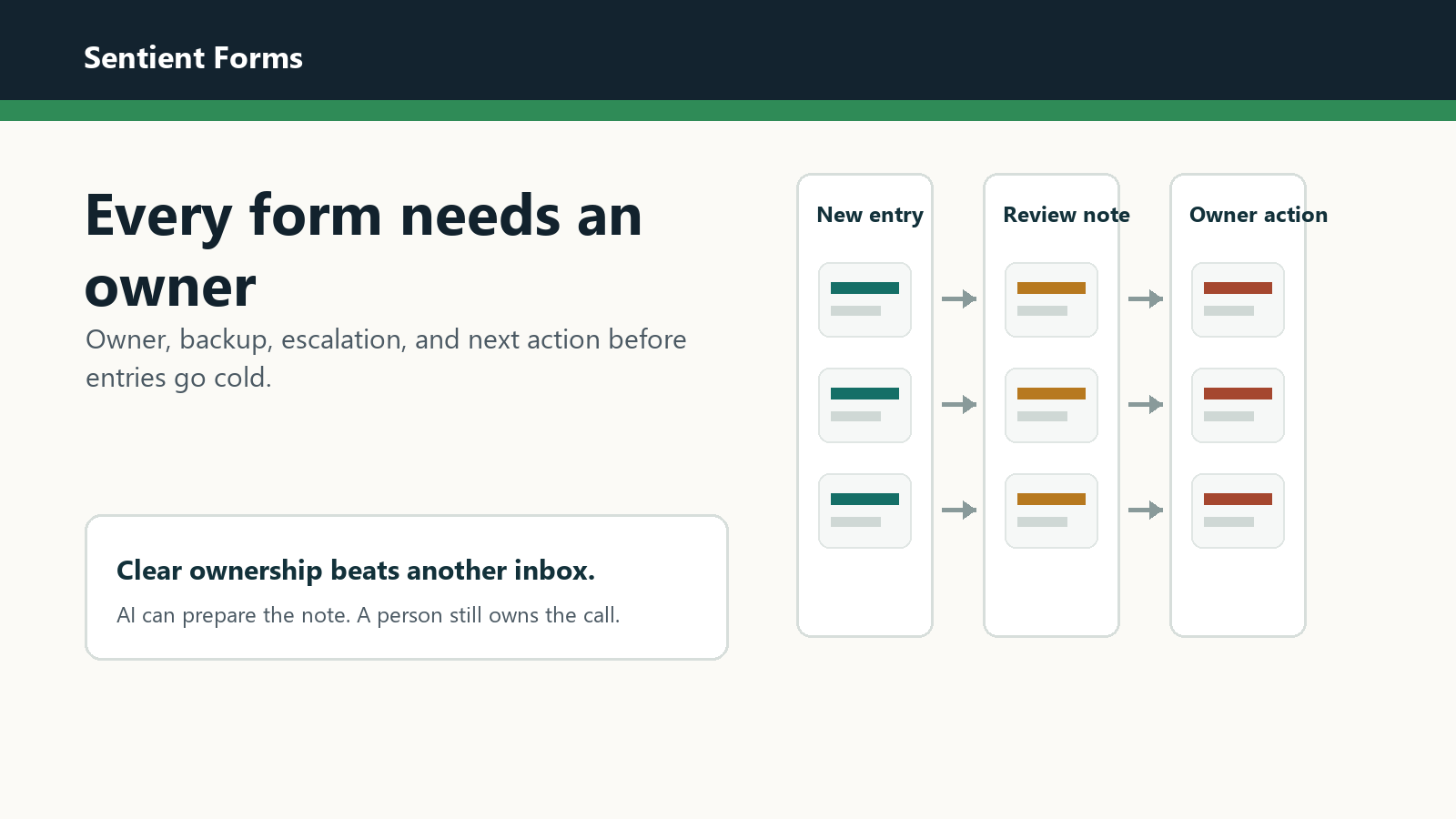
A form queue can look broken even when the plugin works. The notification fired. The entry exists. The problem is that nobody knows who owns the next move.
That is a management problem before it is an automation problem. AI review can prepare better notes, but a person still has to own the reply, handoff, or escalation.
Write the owner rule before the automation rule
Start with one sentence: this form is owned by this role, backed up by this person, and escalated when this condition appears. If that sentence feels hard to write, automation will not fix the gap.
The owner rule should be visible to the WebMaster, the client, and anyone who reviews entries. It keeps AI output from becoming another status column that no one acts on.
A clear owner turns a review note into work someone can finish.
Map owner, backup, and escalation
Do not stop at the primary owner. Forms fail in the handoff between normal days and exceptions. Add a backup and an escalation trigger.
| Form type | Primary owner | Escalation trigger |
|---|---|---|
| Quote or sales inquiry | Sales lead or owner | High value, urgent tone, or no reply within one business day |
| Support request | Support coordinator | Angry tone, safety issue, or account access request |
| Hiring or volunteer form | Operations owner | Incomplete details or sensitive personal information |
| General contact form | WebMaster or office admin | Unclear department or repeated spam pattern |
Use review notes to make ownership obvious
The review note should answer the question the owner is about to ask: what is this, why does it matter, and what should I do next?
Entry Summary can shorten the cold read. Routing Recommendation can suggest the likely queue. Sentiment and Urgency can flag entries that should not wait until the weekly check.
Separate routing from authority
Routing tells the team where the entry should go. Authority says who can decide. Keep those separate.
For example, a form entry can be routed to sales because it looks like a quote request. That does not mean AI should decide price, eligibility, or scope. Use review notes to prepare the owner, then let the owner decide.
Keep private access narrow
Ownership does not mean everyone needs to see every entry. Give the right people enough context to act, and avoid sending detailed entry exports to people who only need the monthly summary.
If the team reviews entries in Gravity Forms, the official Gravity Forms entry management docs are a useful reference. For WordPress access planning, check the official roles and capabilities documentation.
Pilot with ten real entries
Choose one important form and review the last ten real entries. For each entry, write down the owner, backup, current status, and the next step. You will usually find the handoff problem before you need a more complex tool.
- Entries with no owner become stale.
- Entries with two possible owners bounce between teams.
- Entries with no escalation rule wait too long.
- Entries with missing details need a question, not a decision.
- Entries with private or sensitive details need a narrower review path.
Choose the first action after ownership is clear
Once the owner rule exists, choose the smallest action that helps that owner. If the owner needs faster context, start with summary notes. If entries bounce between teams, start with routing. If staff waste time on weak inquiries, start with fit or lead scoring.
The broader Sentient Forms action library can help you compare options. The practical rule is simple: automate the note that helps the owner act, not the decision the owner should still make.
Connect ownership to the handoff process
Ownership also makes client handoff easier. The earlier form handoff checklist for WebMasters is a good companion when you need to document who checks which forms and what happens after review.
If the team is still unsure which workflow to try first, use the guide on how to pick the first WordPress form automation by bottleneck. Ownership should be one of the bottlenecks you test.
Frequently asked questions
The owner should be the person or role that can make the next useful decision. A WebMaster can monitor the queue, but business replies usually need a named client-side owner.
AI can suggest a route or queue, but the team should still define who has authority to reply, quote, approve, reject, or escalate.
Pick one important form, name one owner and one backup, review ten entries, and write down the next action for each entry before adding more automation.
Give the form queue a human owner first. Then let Sentient Forms prepare the review notes that help that owner move faster.