Most clients do not need a spreadsheet full of form entries. They need to know whether the site produced useful inquiries, where follow-up slowed down, and what the WebMaster changed before the next month starts.
A good monthly report turns form review into an operating habit. It is short enough to read, specific enough to act on, and plain enough that nobody has to understand the form plugin to see the value.
Report decisions before data
Start with the decisions the client cares about. Did the form bring in qualified work? Did staff reply quickly enough? Did spam or missing information waste review time? Did any entry need a different owner?
That framing keeps the report out of data-dump territory. A client can skim it in five minutes and still know what changed.
| Client question | Report line | Useful next action |
|---|---|---|
| Are we getting real inquiries? | Qualified entries and obvious rejects | Improve source, offer, or routing |
| Are leads waiting too long? | Entries older than the response target | Assign owner or backup |
| Where did staff lose time? | Missing details, spam, unclear owner | Tighten form fields or review rules |
| What should we try next month? | One narrow action to test | Run a small pilot before expanding |
Keep four numbers on the first page
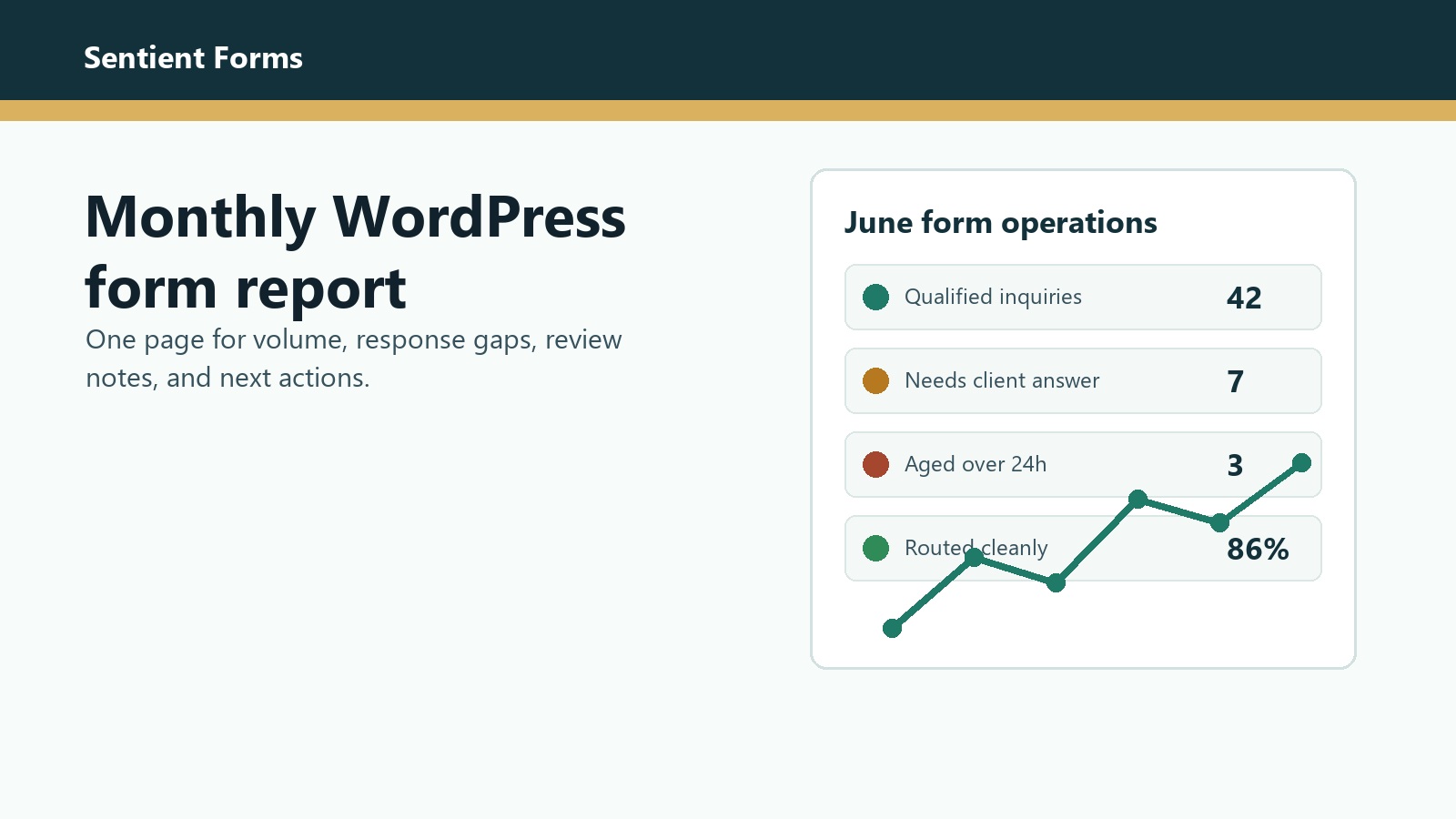
The first page should not try to be analytics software. Use four numbers that a client can remember: useful submissions, stale submissions, review exceptions, and actions completed.
Useful submissions are entries that deserved a human look. Stale submissions are entries that waited past the response rule. Review exceptions are the cases where spam, missing information, unclear routing, or tone slowed the handoff. Actions completed are the fixes made after review.
The report is not proof that AI is clever. It is proof that the form queue is being managed.
Show the review notes that saved time
Clients notice outcomes faster than tool names. Show one or two examples of how review notes helped staff move faster: a short summary, a routing cue, a likely fit score, or a missing-detail prompt.
Sentient Forms action pages can support that path without turning the report into a sales sheet. Link to Entry Summary, Routing Recommendation, or Lead Scoring only when that action explains a change the client can see.
Tie the report to revenue leakage
A monthly form report earns its place when it points to money or risk. If good inquiries sat untouched, call that out. If junk entries drowned the queue, say where staff time went. If a high-fit lead needed a faster owner, make the owner rule visible.
Use the existing guides on measuring ROI from AI form review and finding revenue leaks in a WordPress form queue as follow-up reading when a client wants the method behind the summary.
Protect the report from overreach
Do not promise a builder-specific effect just because an action exists. Before reporting validation blocking, realtime suggestions, native entry notes, spam status, webhook suppression, or notification suppression, check the exact current action path for the site.
The safest public references are the current Sentient Forms action library and the WordPress.org plugin listing. For teams using Gravity Forms, the official entry management docs are also a useful baseline for how entries are reviewed.
Use access as part of the report design
A client report may include private customer details, so keep the shared version narrow. Summarize patterns and link to source entries only for people who should see them.
WordPress roles and capabilities matter here. The official roles and capabilities documentation is a good reminder that not every stakeholder needs the same view.
A report template for the first month
- One-sentence summary: what improved, what still needs attention.
- Four numbers: useful submissions, stale submissions, review exceptions, actions completed.
- Two example entries with private details removed.
- One owner or routing change made during the month.
- One narrow test for next month.
Keep the first version small. A report that gets read every month beats a complex dashboard that nobody opens twice.
Frequently asked questions
Start with useful submissions, stale submissions, review exceptions, actions completed, and one next step. Add entry examples only when they help the client act.
Usually no. Use a summary for the client view and keep detailed entry exports for people who need operational access.
Treat AI output as review evidence: summaries, routing cues, missing-detail notes, and exception flags. The report should still show the human decision or owner.
Use Sentient Forms to make the review layer easier to explain, then report the operational result in plain client language.