

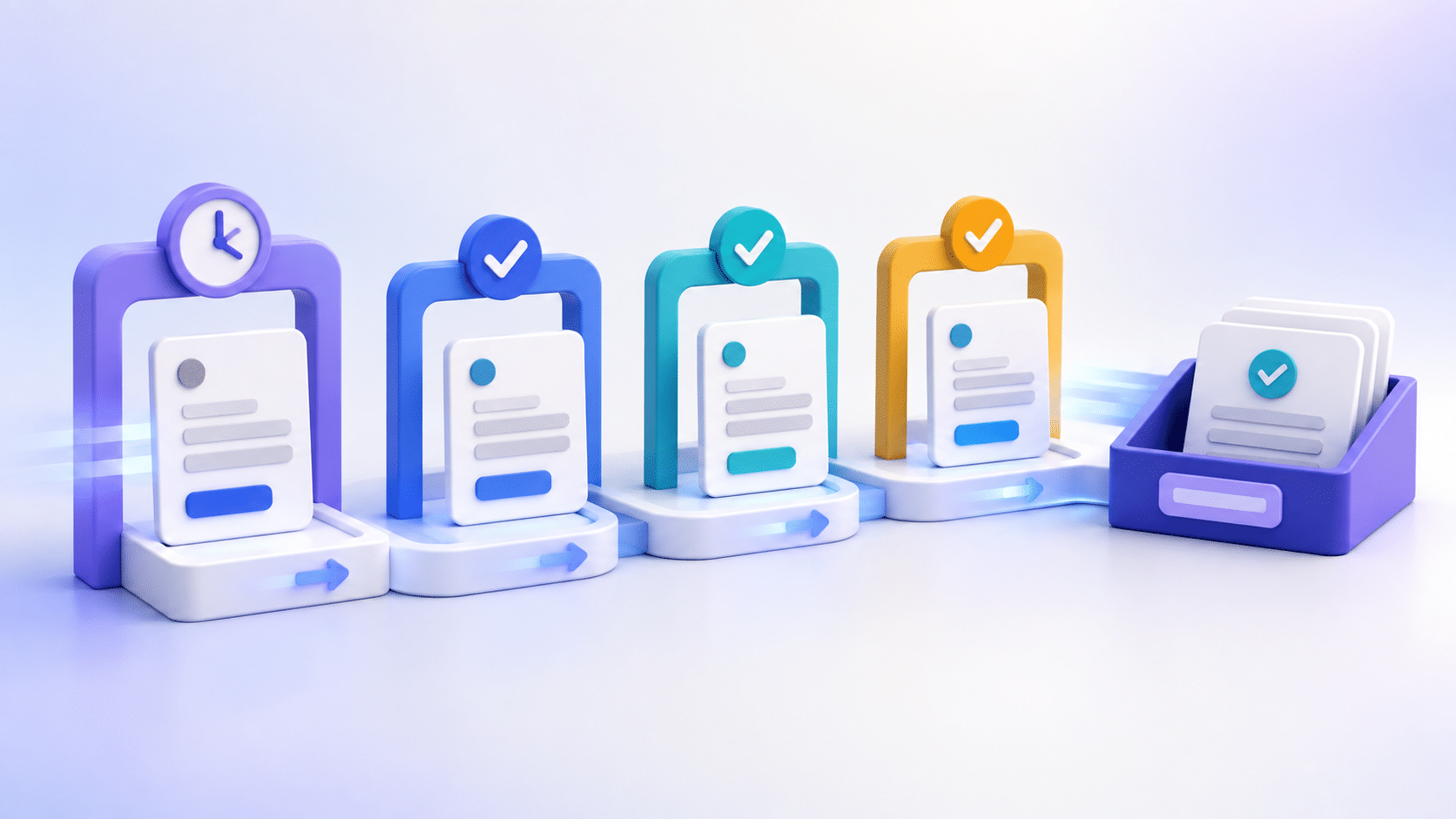
A WordPress form can look normal while the work behind it is broken. The confirmation still appears, but the notification goes to an old mailbox. The entry is saved, but nobody owns the queue. An AI review is configured, but its result never reaches the place staff check. A page-uptime monitor will miss every one of those failures.
The practical fix is a scheduled test that follows the same path as a real visitor. Submit the form, find the resulting record, confirm each promised handoff, and record how long the journey took. One small test gives a WebMaster evidence that the form is doing work, not merely loading.
Define one complete form journey
Start with one form whose failure would matter. A quote request, support intake, or account-access request is a better first target than a low-volume survey. Write down the path before you automate or schedule anything.
- Public starting URL. Use the page a visitor opens, not an editor preview.
- Required input. Keep a safe, reusable test record with no customer data.
- Visible success state. Name the confirmation message or destination the visitor should see.
- Saved record. Identify the native entry or Sentient Forms Submission Ledger record staff should be able to find.
- Expected handoff. Name the mailbox, queue, webhook destination, or other business system that should receive the request.
- Owner and deadline. State who investigates a failure and how quickly the test should be reviewed.
If that list is hard to complete, the form already has an ownership problem. Use a form inventory and the guide to assigning every submission an owner before calling the journey monitored.
Send a test a staff member can recognize
Make the test obvious without bypassing the real form. Use a dedicated test email address when the form requires one. Put a plain marker such as “scheduled form check” in a message field that staff can see. Avoid fake emergencies, realistic customer names, or copied production submissions. The record should be easy to filter and impossible to mistake for paid work.
Submit through the public page with the same required fields and consent controls a visitor uses. Do not prove the journey by inserting a database row or calling an internal endpoint. Those checks can isolate a fault, but they do not test the customer path.
Check evidence in the order it should appear
A useful monitor records each checkpoint instead of collapsing the result into “passed” or “failed.”
- Confirm the public success message or redirect.
- Find the corresponding entry or ledger record and match it to the test marker.
- If the form has an AI action, verify that the promised review result appears in the surface your team actually uses.
- Confirm the expected notification, queue item, webhook receipt, or CRM record.
- Record the elapsed time and the first missing checkpoint.
Form Source capabilities differ. Gravity Forms has the deepest native integration. Contact Form 7, WPForms, and Elementor Pro Forms often rely on the Submission Ledger for a shared review surface. Check the result your configured path promises; do not assume every builder exposes the same native entry details or effects.
Choose a cadence from the cost of silence
There is no honest universal schedule. A form that gates same-day service deserves more frequent checks than a quarterly partnership inquiry. Start with the longest gap the business can tolerate between a failure and discovery. Then make sure the owner can review that signal without creating another ignored alert.
If you use WordPress scheduling, remember that WP-Cron runs when page loads trigger scheduled work. Low-traffic sites can run late. An external scheduler or monitoring service may be a better clock when timing matters, but it still has to submit through the real public form.
Treat slow and failed as different states
A form journey may finish late without being broken. Set one threshold for “investigate now” and another for “track as slow.” Keep the raw checkpoint times so a WebMaster can tell whether the delay is in page response, entry creation, AI review, notification delivery, or a downstream business system.
When a checkpoint fails, stop changing unrelated parts of the site. Use the form outage recovery guide to preserve the last known good state, identify affected submissions, and restore the smallest broken step. The related post-update form test helps when a release or plugin change is the likely trigger.
Keep test traffic out of real work
Use one stable marker, a dedicated sender, and a known schedule. Teach staff how to recognize the record, then exclude it from lead reports and response-time summaries without deleting the evidence. A deleted test cannot prove when the journey last passed.
Review the monitor itself during the team’s regular form review. If the form, destination, owner, or expected result changes, update the test definition in the same work item. A monitor that still checks last month’s workflow can be green and useless.
Set up the first journey in 20 minutes
Pick one important form. Send one safe test manually. Record the five checkpoints and their times. Fix any ambiguous owner or destination. Then schedule the next run and put the result where the responsible person already works. After three clean runs, decide whether another form deserves the same treatment.
If the journey includes AI review, browse the Sentient Forms Action Library and write the expected result into the monitor. That keeps the check tied to the action the site owner configured instead of a generic “AI worked” box.
It should submit through the public form and verify the visitor confirmation, saved record, configured review result, expected handoff, and elapsed time. A page-load check alone cannot prove that journey.
Base the cadence on how long the business can tolerate an unnoticed failure. Forms tied to same-day work need a shorter gap than low-consequence intake.
Usually no. Mark them clearly and exclude them from business reports while keeping enough evidence to show when the full journey last passed.


