

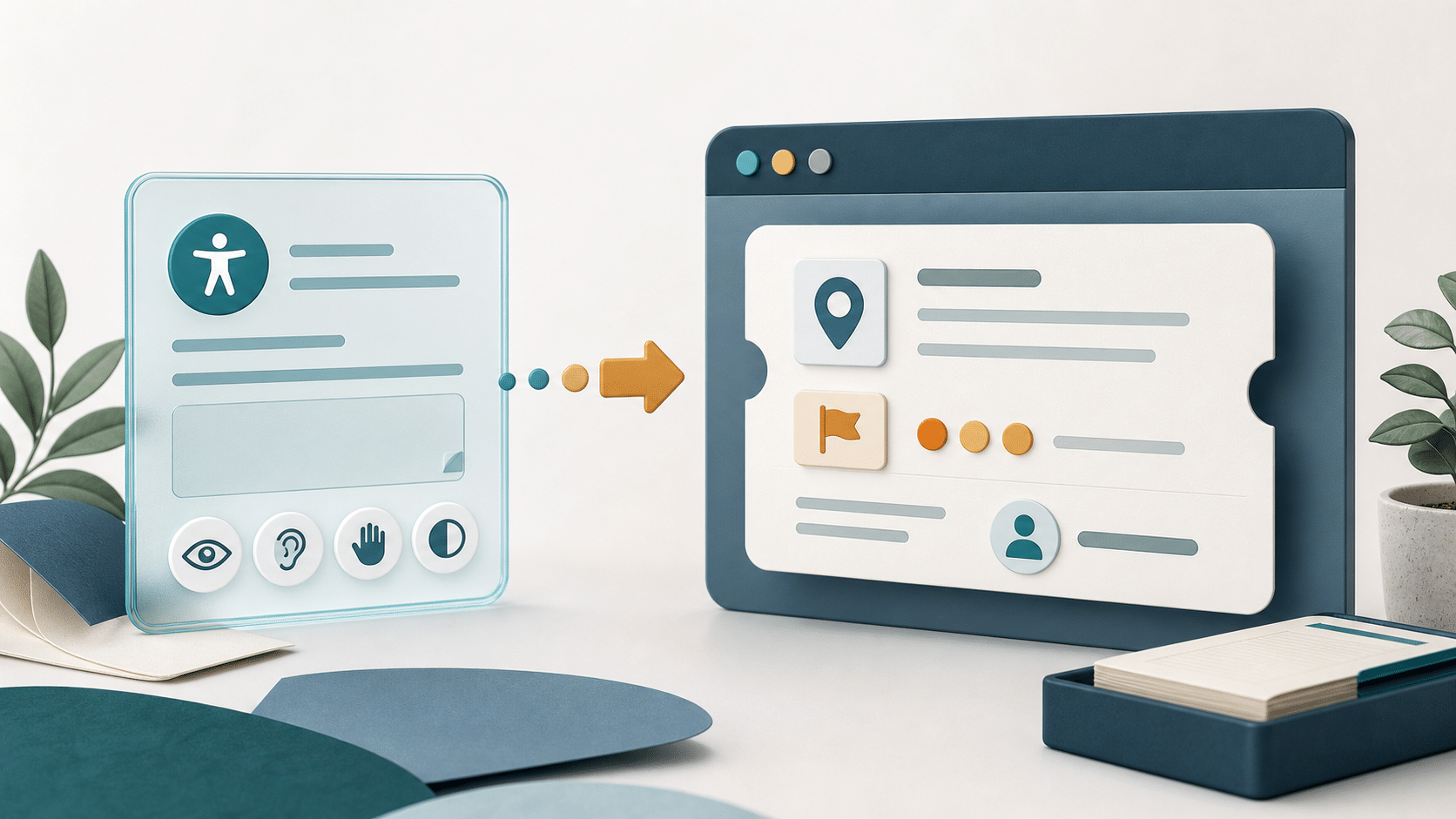
“The form does not work with my keyboard” is useful feedback, but it is not yet a repair ticket. A developer still needs the page, the control, what the visitor expected, what happened instead, and enough context to reproduce the problem.
A good accessibility feedback workflow keeps the visitor’s report intact, asks only for details they can reasonably provide, and turns the submission into a staff-owned ticket. AI-assisted review can summarize, check for missing information, and recommend a route after submission. It should not guess a technical diagnosis.
Ask for evidence a visitor can provide
Do not make the visitor prove a standards violation. Ask for observable facts in plain language. The W3C Web Accessibility Initiative guidance on reporting inaccessible websites recommends including the page, the problem, and relevant setup details when possible.
| Form field | Why staff needs it | Make it easier to answer |
|---|---|---|
| Page or feature | Locates the problem | Prefill the current URL when appropriate |
| What the visitor tried | Defines the task | Ask for one short step at a time |
| What happened | Captures the observed failure | Use a large text area with an example |
| What they expected | Clarifies the desired result | Keep this optional when it is obvious |
| Browser or assistive setup | Helps reproduction | Let the visitor say “I do not know” |
| Contact permission | Allows follow-up | Separate consent from the report itself |
The visitor reports the barrier. Your team owns the diagnosis.
Make the feedback form accessible first
The reporting path cannot depend on the same interaction that failed. Use clear labels, keyboard-accessible controls, visible instructions, useful error messages, and a contact alternative. The W3C tutorial on form instructions and validation provides concrete patterns.
Keep required fields to a minimum. A visitor may not know the browser version, assistive technology name, or technical term for a control. Optional context can help, but it should not block the report.
Separate the report from the AI recommendation
Run review after the form succeeds. Entry Summary can produce a shorter staff view. Missing Information Review can point out details that may help reproduction. Routing Recommendation can suggest the team or queue that should inspect it.
Keep the source submission beside those results. A summary can omit a detail that turns out to matter. A routing suggestion can also be wrong when ownership changes or a problem spans design, content, and development.
Build a repair-ready ticket
The ticket should tell the next person where to start without rewriting the visitor’s experience. A compact ticket can include:
- The original report and submission ID.
- The page URL or named feature.
- The task the visitor could not complete.
- Observed and expected behavior.
- Relevant browser or assistive setup, when provided.
- A suggested owner and an explicit review status.
- Permission and contact details kept separate from the public issue description.
Do not send screenshots or uploads to an AI provider by default. The guide to keeping form uploads out of AI review shows how to preserve attachment context without treating the file itself as model input.
Triage by impact, not tone
A calm report can describe a complete blocker. A frustrated report can describe a minor defect. Ask staff to prioritize the affected task, how many paths are blocked, whether an alternative exists, and whether the problem touches a high-value or required service.
Use a small set of review states such as new, needs reproduction, confirmed, assigned, fixed, and verified. Avoid an exact severity formula until the team has real examples and agrees on what each level changes.
Close the loop with the reporter
When contact permission exists, acknowledge receipt and explain what happens next. If staff needs more detail, ask one focused question. When the issue is fixed, verify the same task with the relevant input method before closing it. The public reply should not expose internal notes, private account details, or another person’s report.
Start with one feedback form and one owner. Measure whether tickets reach the right team, whether developers can reproduce them, and how often staff must return for missing details.
Ask for the page or feature, the task the visitor tried, what happened, what they expected, optional browser or assistive setup details, and separate permission to follow up. Do not require technical terminology.
Treat AI output as a staff review aid, not a diagnosis. Preserve the original report, reproduce the task with the relevant input method, and let the responsible team confirm the defect and fix.
Track whether each report reaches an owner, whether staff can reproduce it, how often they need more information, and whether the reported task passes verification after the fix.


