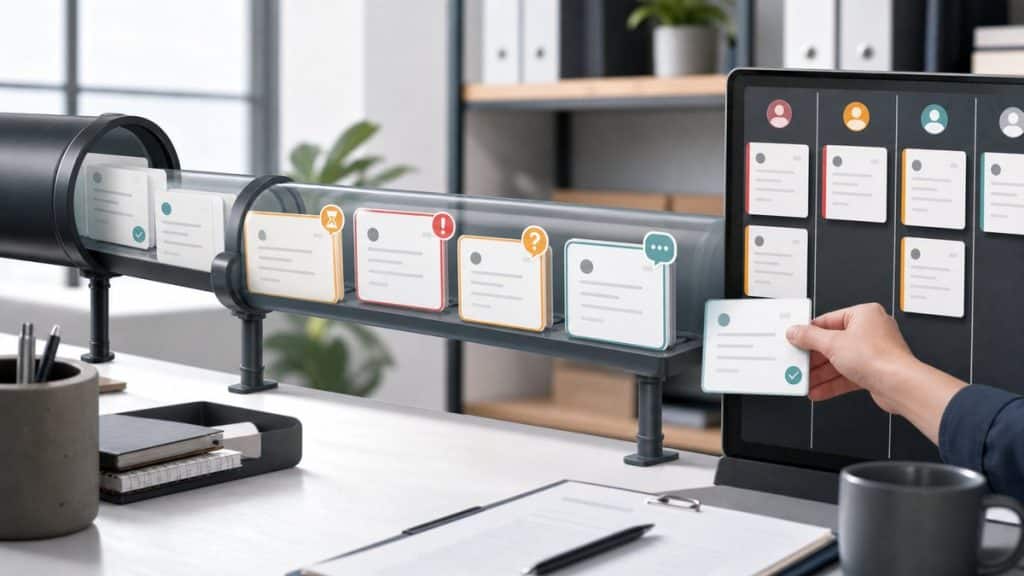
A form is not a courtroom. If a visitor gave enough information to start the job, the best move is often to accept the submission and route it for review instead of forcing the form to make a final decision.
Blocking has a cost. It can stop spam, catch missing required details, and prevent unsafe content from entering a workflow. It can also reject good leads, frustrate tired visitors, and create support work when the form is stricter than the business actually needs.
Separate Three Decisions
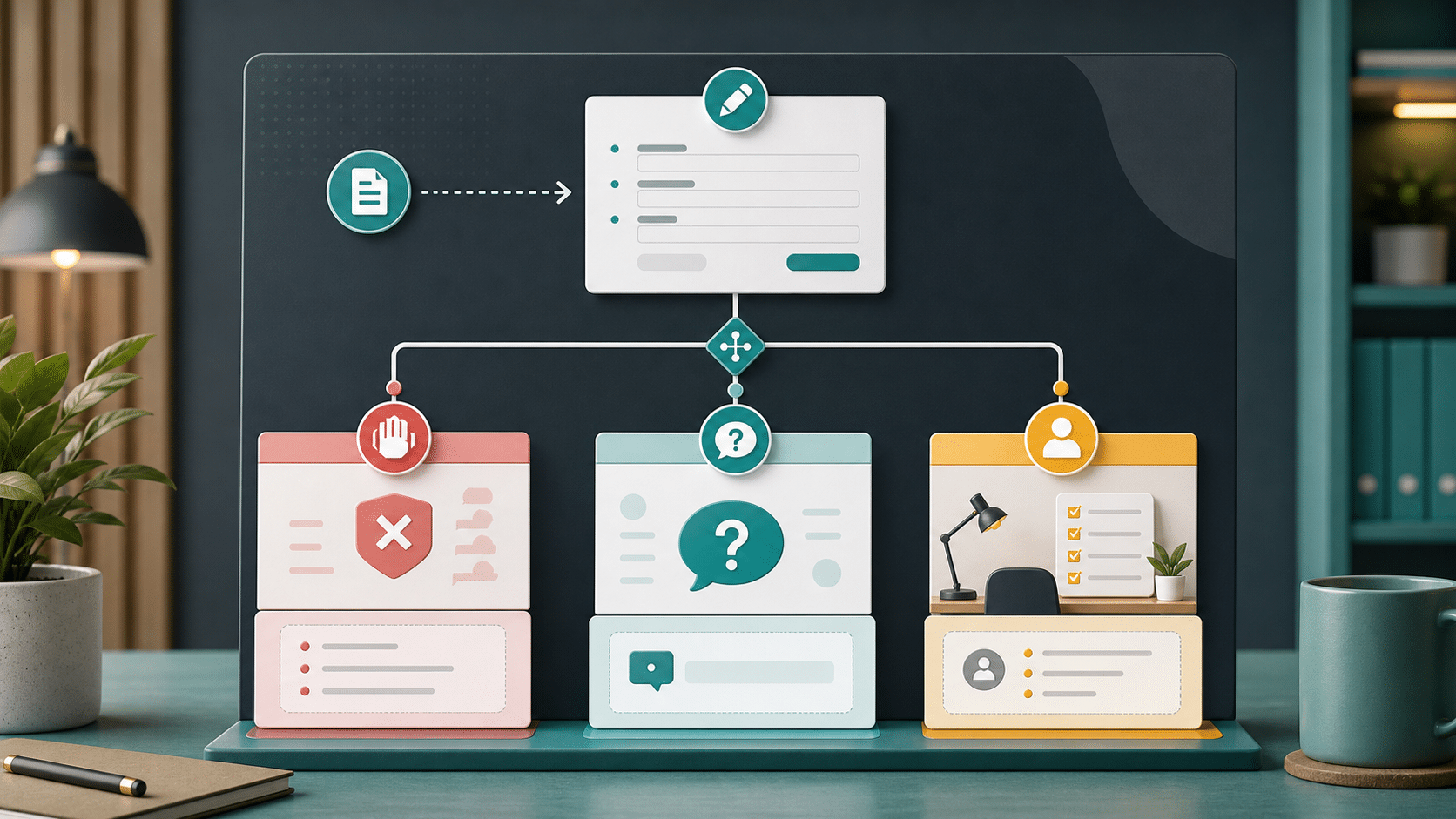
Most WordPress form automation problems fit into one of three lanes. Treating all three as validation problems is what makes forms feel brittle.
| Lane | Use it when |
|---|---|
| Block before submit | The visitor must fix the issue before staff can process the request. Think missing contact details, invalid required fields, obvious abuse, or a policy rule that cannot wait. |
| Ask one more question | One answer would materially improve routing or reduce the first follow-up. This is useful only when the visitor can answer quickly. |
| Review after submit | A staff member needs judgment, context, or business discretion. Lead priority, tone, fit, urgency, and next best action usually belong here. |
When Blocking Makes Sense
Use blocking for problems that are concrete and fixable at the form. A visitor who skipped a required email field can correct it. A submission that clearly violates the site’s safety rules may need to stop before it enters the queue. Some form builders document validation hooks, such as Gravity Forms validation, because there are legitimate cases where the submit path should return a message.
The mistake is using a validation-style answer for every uncertain case. A borderline lead is not the same as an invalid submission. A vague project description is not always a failed form. A low-confidence AI judgment should not become an automatic rejection unless the business has accepted that risk.
When A Clarifying Question Helps
Realtime clarification is strongest when the missing answer changes what happens next. If a service-area field is blank, a date is ambiguous, or a budget range determines the right team, a short question can save a follow-up email.
Keep this lane narrow. Do not make visitors negotiate with a form. Use Realtime Clarification Assistant only where that workflow is available for the form and where one extra answer is worth the interruption. If the question is optional or subjective, let the entry submit and put the question in the staff follow-up note.
When Human Review Is Better
Many useful AI results should be recommendations, not gates. A routing recommendation can suggest an owner. Sentiment and urgency can help staff triage. Suggested reply and next best action can give the first responder a starting point.
Those outputs are valuable because a person still owns the final decision. The automation reduces reading time and improves consistency, but it does not need to pretend the form knows the whole business context.
The form should stop bad submissions, clarify high-value ambiguity, and hand judgment calls to people.
A Practical Rule For WebMasters
- If the visitor can fix it right now and the business cannot process the request without it, block or validate.
- If one short answer would change routing, ask before submit where that mode is supported.
- If the decision depends on tone, fit, risk, client policy, or staff judgment, accept the entry and route it for review.
- If confidence is low, do not turn the AI result into a hard rejection.
- After launch, review false blocks and missed questions during the first week.
This framing also protects client trust. A WebMaster can explain the workflow in operational terms: the form only interrupts visitors when it has to, and staff still review business judgments. That is easier to sell, easier to support, and easier to improve over time.
FAQ
Block when the visitor can fix the issue before submitting and the business cannot process the request without that correction.
Human review is better for judgment calls such as lead fit, tone, urgency, next best action, or borderline spam.
Use it when one short answer would improve routing or reduce the first follow-up, and only where that workflow is available for the form.
Build The Review Lane First
If you are unsure whether to block, start with a review lane. Let Sentient Forms help staff read, route, and respond, then tighten the form only after you have real examples.