

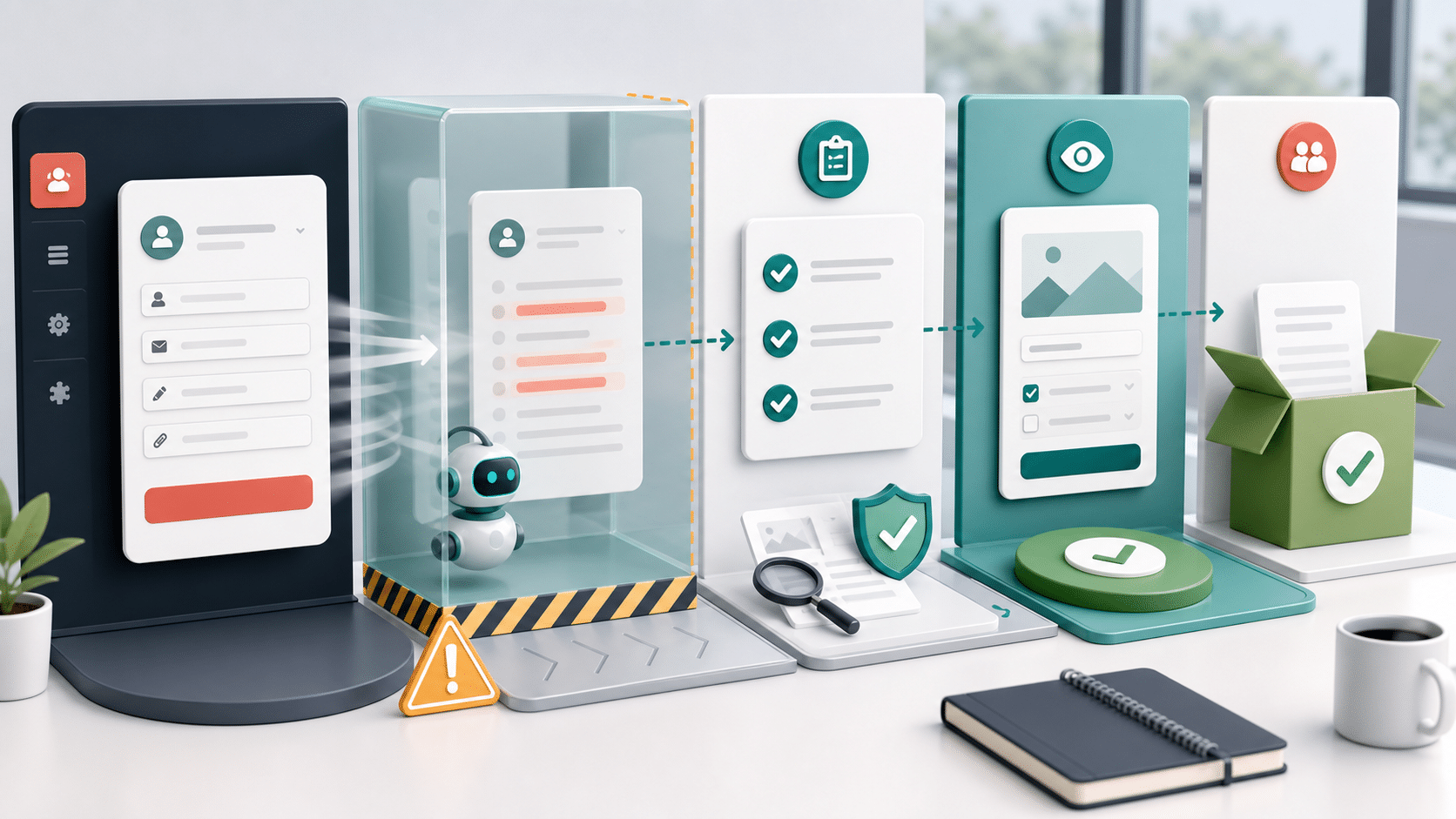
The riskiest AI form automation launch is the one that starts with a real client lead and a hopeful shrug. A WebMaster does not need a giant QA department, but they do need a boring staging pass before AI results touch staff workflows.
The goal is simple: prove the action, the review surface, and the handoff before a client sees the result. If you need a disposable WordPress sandbox for early inspection, WordPress Playground can help. Client workflow testing still belongs in an environment that resembles the real site.
Start with one action and one form
Do not test every feature at once. Pick the form tied to the clearest business cost, then choose one action from the Sentient Forms Action Library. Lead triage, spam review, missing-information review, and summaries are easier to validate when each has its own success rule.
- Choose a form that already has a known bottleneck.
- Write the staff decision the AI result is supposed to support.
- Create three to five sample submissions, including one bad-fit case.
- Confirm where the result appears before anyone relies on it.
This keeps the test concrete. It also prevents the common mistake covered in Give AI form automation a stop button before launch: launching without a clear pause, review, or rollback path.
Make the staging test boring on purpose
A good staging test should not impress anyone. It should remove uncertainty. Run predictable samples first, then messy samples, then failure cases.
- A normal high-fit submission that should be easy to route.
- A vague submission that should be marked for human review.
- A spammy or abusive submission that should not get treated as a lead.
- A private or unnecessary field that should stay out of the AI packet.
- A provider or timeout failure that should leave the form workflow understandable.
If the action creates a reply draft, keep it in review. The Suggested Reply and Next Best Action page is useful context, but no draft should become a client-facing message without an approval habit.
Capture evidence a client can understand
A client should not need to read raw prompts or logs to approve the rollout. They need to see the entry, the AI result, the staff action, and the fallback.
- Screenshot the configured action and the review surface where staff will work.
- Record the sample submission, action result, and expected staff decision.
- Save any caveat about unsupported native behavior or builder-specific limits outside the marketing copy.
- Write the rollback step in plain language: pause the action, switch provider path, or return to manual review.
The companion habit is the one in Make AI form review easy to audit later: if the result cannot be checked after the fact, it is not ready for a client workflow.
Know what does not launch
The staging pass should create at least one no-go rule. Without a no-go rule, the test becomes a ceremony.
- Do not launch if staff cannot find the result quickly.
- Do not launch if the action output sounds confident when the sample entry is thin.
- Do not launch if sensitive fields are included only because they were easy to send.
- Do not launch if the client cannot explain who reviews exceptions.
Provider choices are part of the test too. If the site uses direct OpenRouter, review the provider docs and account responsibility in OpenRouter’s documentation. If the site uses managed execution, test the same visible WordPress workflow instead of making provider plumbing the story.
Keep the launch claim narrow
Current public Sentient Forms sources show support for Gravity Forms, Contact Form 7, WPForms, and Elementor Forms, with different support boundaries by form source. The live marketing site also has Sentient Forms active at an older version than the current WordPress.org package, so publish claims should stay draft-safe and narrow until the exact deployed artifact is checked.
For a client rollout, the safer claim is not “AI forms are live.” The safer claim is: this one action on this one form produced reviewable results in staging, and staff know what to do when it disagrees or fails.
A small CTA
Before turning on a client workflow, install or review Sentient Forms from the WordPress.org plugin page, pick one action, and run the staging checklist above. The first win is not automation volume. The first win is proof you can trust.
No. Start with synthetic entries that mimic real patterns without copying private customer details. Use real data only when the client has approved the test and the workflow requires it.
Capture the action setup, a sample submission, the AI result where staff will review it, and the fallback or pause control. Those screenshots are easier for clients to approve than raw logs.
Only if your claim covers every builder. For a client rollout, prove the exact form source, action, provider path, and review surface the client will actually use.


